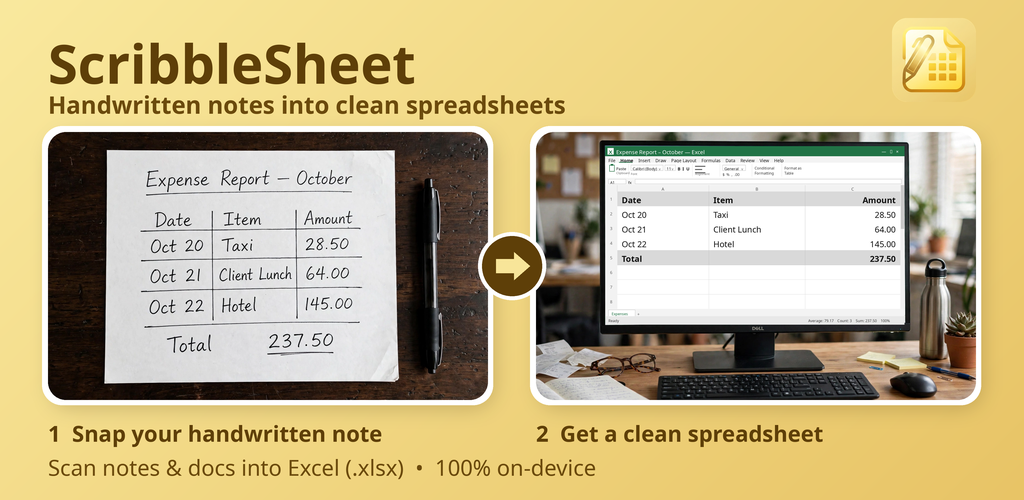
Handwritten notes into clean spreadsheets
Snap a photo of your notes, receipts or documents. ScribbleSheet's AI reads them and builds an editable Excel or CSV spreadsheet — in seconds.
 Get it on Google Play
Free plan · 5 credits a month · No account required
How it works
From messy paper to a structured table in four steps.
Snap or import
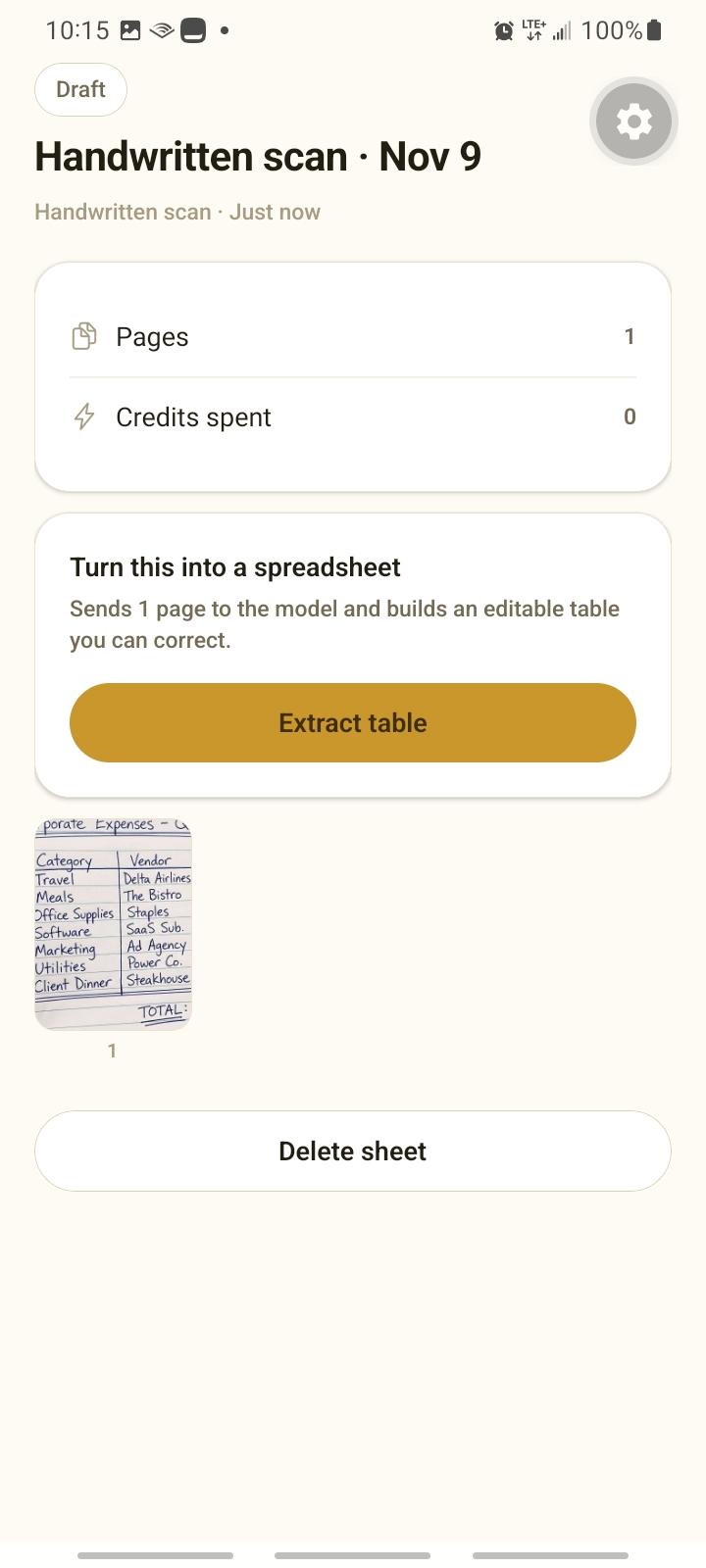
Photograph a notebook, whiteboard or receipt — or import a .pdf, .docx, .txt or .csv file. Edge detection straightens and flattens the page automatically.
Extract table
The AI engine reads your content and organises it into clean columns and rows, even when it was never written as a table.
Correct with AI chat
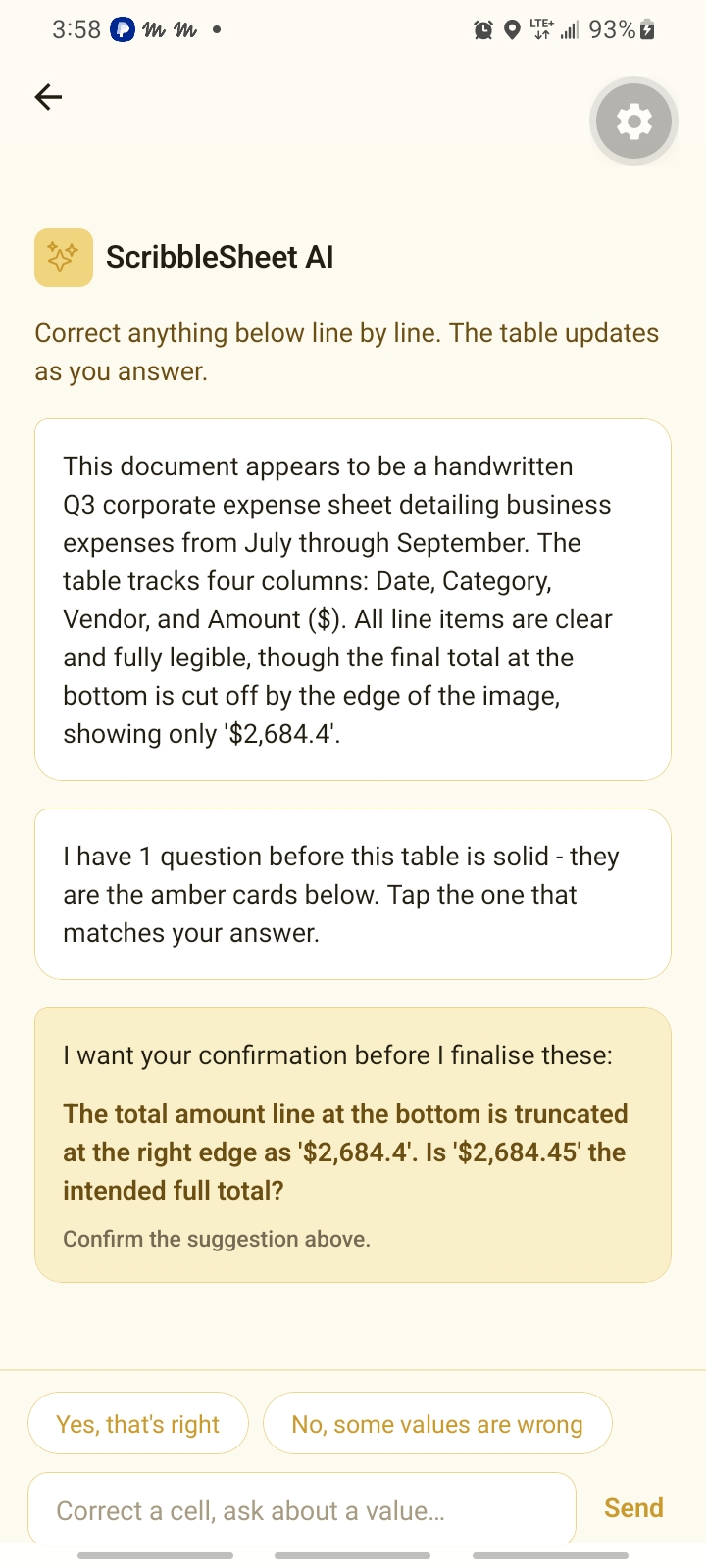
Ambiguous handwriting? ScribbleSheet asks smart clarification questions. Fix any cell line by line and the table updates as you answer.
Export anywhere
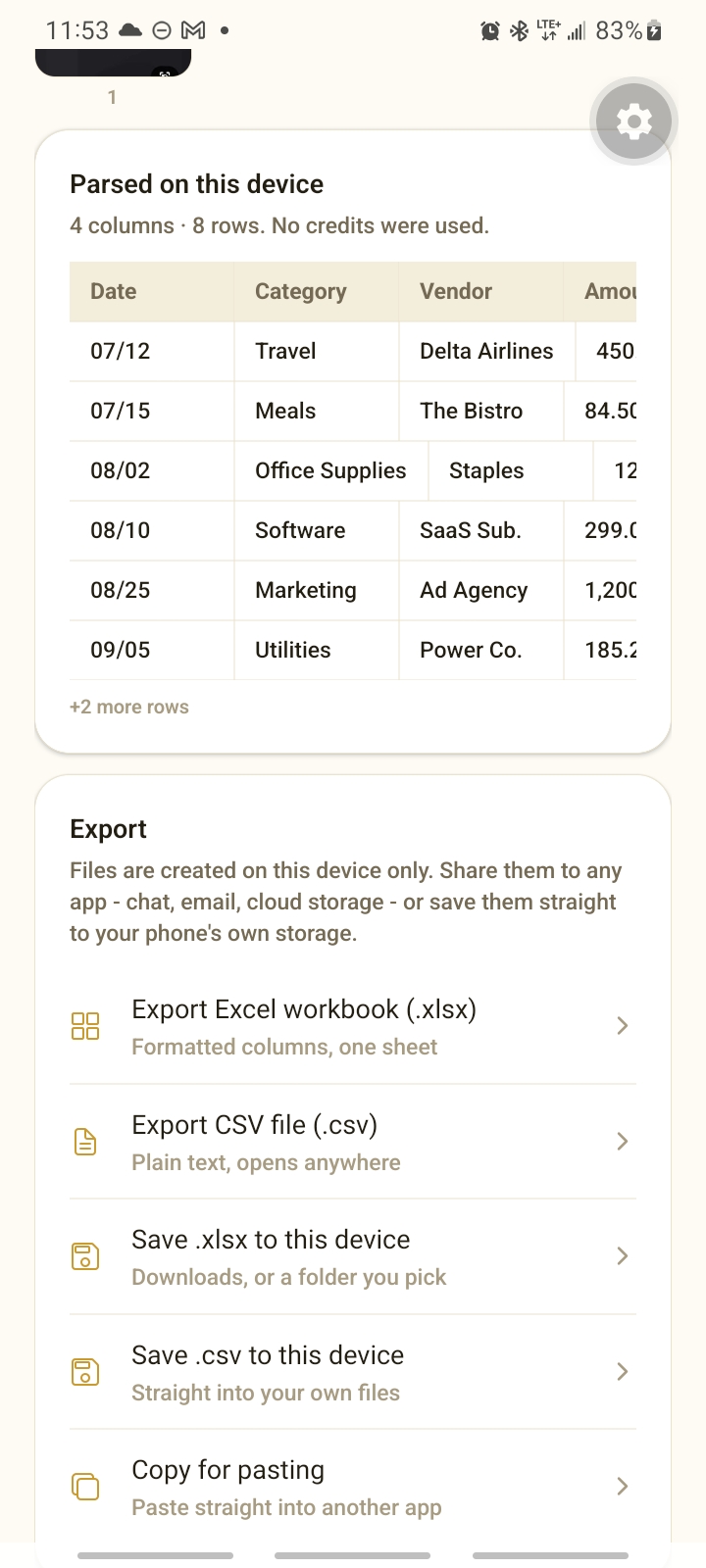
Save as a formatted Excel workbook (.xlsx) or plain CSV, copy for pasting, or share straight to chat, email or cloud storage.
Core features
Everything you need to stop transcribing by hand.
Camera edge detection
Built-in on-device computer vision finds paper boundaries, corrects perspective and optimises contrast before processing.
Unstructured text → tables
Meeting minutes, journal entries, rough brainstorming and narrative logs become structured table matrices automatically.
Table preview editor
Review your data in a polished spreadsheet grid. Edit cells, fix typos, insert rows or rename headers before exporting.
Conversational clarification
A smart clarification loop asks targeted questions to confirm ambiguous values before finalising your table.
Instant Excel & CSV export
Beautifully formatted .xlsx workbooks or plain .csv files, ready for ERP systems, email or any spreadsheet app.
Direct document parsing
Import and extract data from local .pdf, .docx, .txt and .csv files — no bulky uploads, no data leaks.
See it in action
Scan → confirm → export, in a few taps.
Who it's built for
- Field operations & inspectorsTurn clipboard logs and observation notes into clean spreadsheets for your ERP.
- Finance & accountingDigitise receipts, paper ledgers and unformatted invoices — no manual data entry.
- Executive & legal teamsStructure meeting notes, whiteboard sessions and dense multi-page reports.
Enterprise-grade privacy
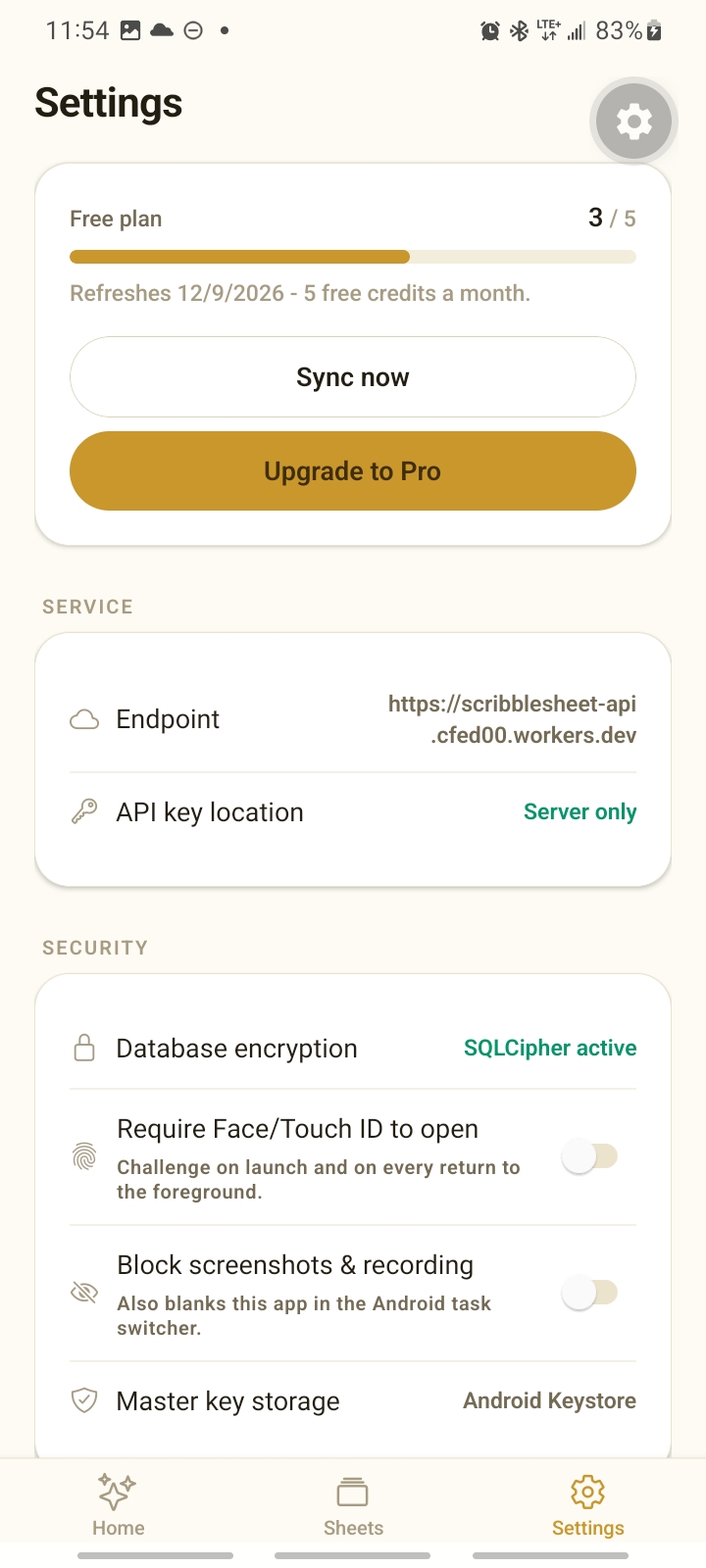
- AES-256 on-device encryptionLocal database secured with SQLCipher and hardware-backed keys.
- Zero persistent cloud storageYour documents stay in your device's sandbox. Only processing payloads cross the wire.
- Biometric lock & MDM modeFace/Touch ID, screenshot blocking and task-switcher privacy.